3D Controls in ClinCheck® Pro Software
Gives you more precise control over the final tooth position for more effective treatment planning.
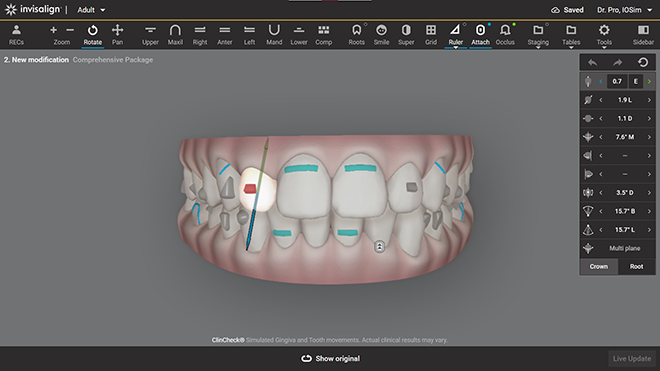
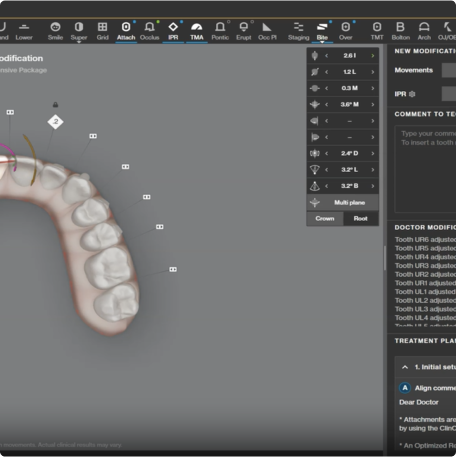
Make both minor and significant changes to treatment plans with 3D Controls and Plan Editor.
See modifications in minutes and approve plans in real-time with Live Update.
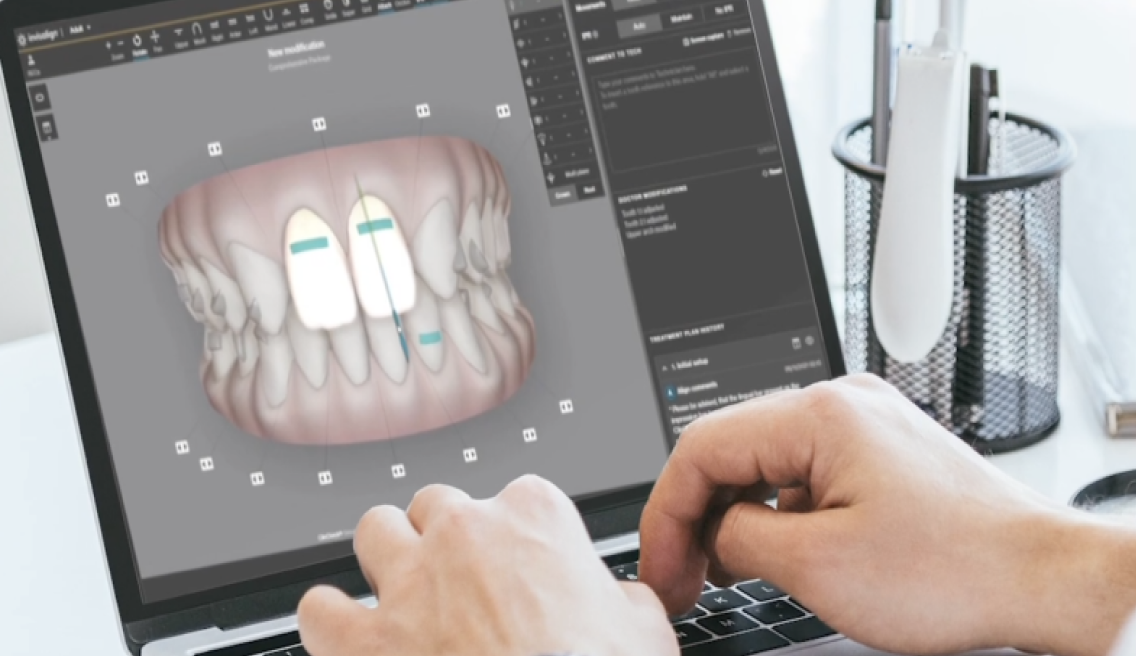
With ClinCheck® Live Update, treatment modifications and approvals are reduced from weeks to minutes.
Doctors using ClinCheck® Live Update for 3D controls approved their cases 82% faster.1
of surveyed doctors agree that using ClinCheck® software with 3D controls gives them increased control of the treatment plan by minimizing misinterpretation of written comments.2
of surveyed doctors agree that ClinCheck® Live Update for 3D Controls allows for quicker turnaround on delivery of aligners.3
Doctors using ClinCheck® Live Update for 3D controls approved their cases 82% faster.1
of surveyed doctors agree that using ClinCheck® software with 3D controls gives them increased control of the treatment plan by minimizing misinterpretation of written comments.2
of surveyed doctors agree that ClinCheck® Live Update for 3D Controls allows for quicker turnaround on delivery of aligners.3
Learn more about each 3D Controls tool in ClinCheck® Pro with these short tutorial videos.
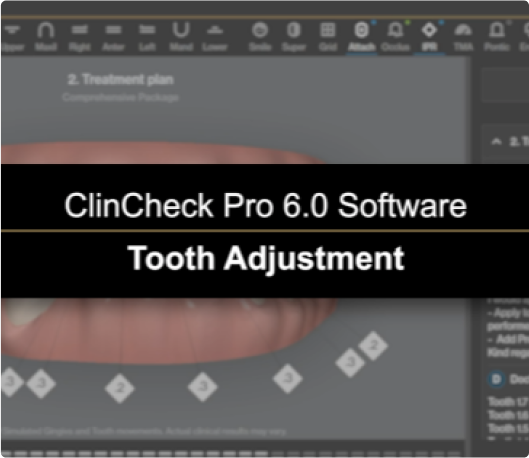
Tooth Adjustment
This 3D Controls tool allows you to position a tooth more precisely.
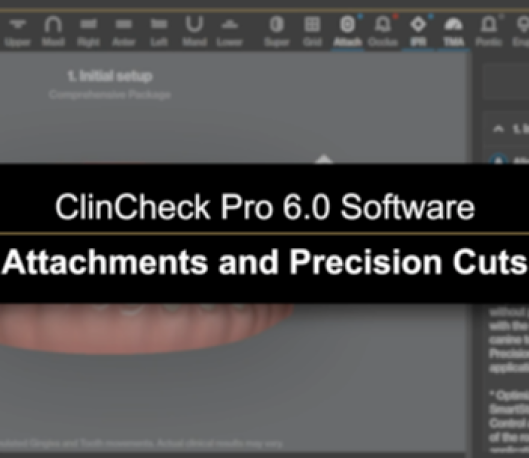
Attachments and Precision Cuts
This 3D Controls tool allows you to add and remove conventional attachments and precision cuts and more.
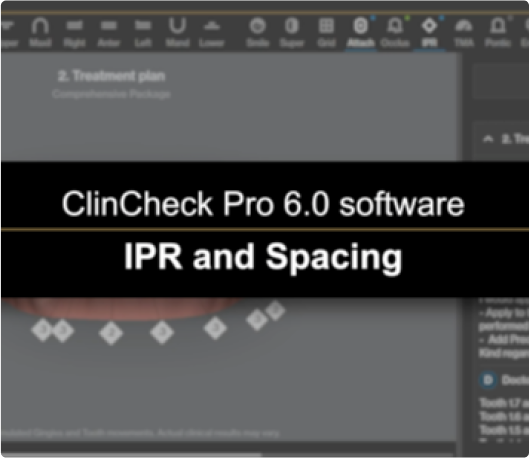
IPR and Spacing
This 3D Controls tool gives you auto and manual options with adding IPR and spacing.
Arch Shape Tool
Use the arch shape tool to modify the upper and lower arch shape.
Occlusal Contacts
This 3D Controls tool allows you to identify all inter-arch occlusal contacts and resolve heavy occlusal contacts directly on the 3D model.
Mesial-Distal Adjustment Tool
This 3D Controls tool shows you how to make a mesial-distal adjustment.
A-P and Midline Correction
This 3D Controls tool allows you to make mesial and distal adjustments for A-P correction and shifting of midlines.
Tooth Adjustment
This 3D Controls tool allows you to position a tooth more precisely.
Attachments and Precision Cuts
This 3D Controls tool allows you to add and remove conventional attachments and precision cuts and more.
IPR and Spacing
This 3D Controls tool gives you auto and manual options with adding IPR and spacing.
Arch Shape Tool
Use the arch shape tool to modify the upper and lower arch shape.
Occlusal Contacts
This 3D Controls tool allows you to identify all inter-arch occlusal contacts and resolve heavy occlusal contacts directly on the 3D model.
Mesial-Distal Adjustment Tool
This 3D Controls tool shows you how to make a mesial-distal adjustment.
A-P and Midline Correction
This 3D Controls tool allows you to make mesial and distal adjustments for A-P correction and shifting of midlines.
Learn how to modify your patients treatment plans with this step by step walkthrough of 3D Controls.
Dr. William J. Kottemann, DDS
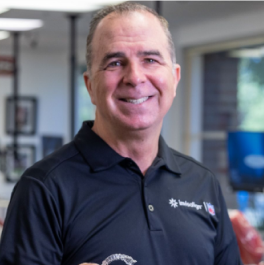
Providers share their experiences with using 3D Controls.
Dr. Mark H. Holt, DDS, MS
“I liked 3D controls from the start. I felt like I was free to do whatever I wanted.”


Dr. Brian D. Amy, DDS, MS
“By developing a system, I became efficient enough to run through a review and make modifications with 3D controls within minutes.”

Dr. J. Don Spillers, Jr., DMD, MS
“I believe every doctor should be using the 3D controls to set up their cases. It allows us to sign our work.”

Dr. Zachary Casagrande, DMD, MS
“We have found that using 3D controls is not only faster for the doctor and the ClinCheck assistant, but also more accurate.”
Dr. Mark H. Holt, DDS, MS
“I liked 3D controls from the start. I felt like I was free to do whatever I wanted.”
Dr. Brian D. Amy, DDS, MS
“By developing a system, I became efficient enough to run through a review and make modifications with 3D controls within minutes.”
Dr. J. Don Spillers, Jr., DMD, MS
“I believe every doctor should be using the 3D controls to set up their cases. It allows us to sign our work.”
Dr. Zachary Casagrande, DMD, MS
“We have found that using 3D controls is not only faster for the doctor and the ClinCheck assistant, but also more accurate.”
Get hands on training based on your needs with Invisalign® Pro.
Receive one-on-one training on all aspects of ClinCheck® Pro Including In-Face Visualization and 3D Controls.
Screen-sharing and hands-on training methods to enhance learning.
Get 2-3 training meetings with a dedicated Clinical Advisor set around your busy schedule.
Each meeting is customized based on your practice needs.

Find more in-depth education on ClinCheck® Pro including interactive learning modules.
Visit the education section of the Invisalign Doctor site.